
Below is an explanation of available User Roles in Nliven and the tasks they can and cannot perform.
Further details on how to grant Users access is provided on the Invite/Manage Users page. Information about how to limit User Roles to certain parameters can be found on the Create/Edit User Groups page.
Contact the Ticketing Services department for further details.
SUPER ADMIN
- Only TixTrack personnel are assigned the Super Admin role in Nliven.
- Only a Super Admin user can create a new Super Admin user.
- Super Admin users can perform all administrative tasks within Nliven.
- Super Admin users are required to use two-factor authentication (2FA).
-
Super Admins can access all options:
- Dashboard
- Sell Tickets
- Group Sales Requests (unless “Show Group Sales Agent Module” is toggled off under “Account Settings” → “General”).
- Reports
- Orders
- Customers
- Events
- Venues
- House Seats
- Account Settings
- API
- Profile
- Help
- Admin Settings
ADMIN
- Only an Admin user or Super Admin user can create a new Admin user.
- Admin users can perform most administrative tasks within a Nliven account.
-
Admin users can access:
- Dashboard
- Sell Tickets
- Group Sales Requests (unless “Show Group Sales Agent Module” is toggled off under “Account Settings”→ “General").
- Reports (as specified in the User Group they belong to).
- Orders
- Customers
- Events
- Venues
- House Seats
- Account Settings
- API
- Profile
- Help
-
Admin users cannot access:
- Admin Settings (uploading venue configs, bank information, etc).
EVENT ADMIN
- Only an Admin user or Super Admin user can create a new Event Admin user.
- Event Admin users can perform several administrative tasks for events within a Nliven account.
-
Event Admin users can access:
- Sell Tickets
- Group Sales Requests (unless “Show Group Sales Agent Module” is toggled off under “Account Settings” → “General”).
- Reports (as specified in the User Group they belong to).
- Orders
- Customers
- Events
- Profile
- Help
-
Event Admin users cannot access:
- Dashboard
- Venues
- House Seats
- Account Settings
- API
- Admin Settings (uploading venue configs, bank information, etc).
FRONT OF HOUSE MANAGER
Front of House Managers can:
- View events list page
- Navigate to event dashboard page. From the event dashboard page, they can do only one thing: view the attendance map.
- View the user profile page, logout, like all other users.
Front of House Managers cannot:
- Access search bar results.
BOX OFFICE SUPERVISOR
- Only an Admin user or Super Admin user can create a new Box Office Supervisor user.
- Box Office Supervisor users can perform several box office management tasks within a Nliven account.
-
Box Office Supervisor users can access:
- Sell Tickets (can edit price levels, holds, and accessible seating for events).
- Group Sales Requests (unless “Show Group Sales Agent Module” is toggled off under “Account Settings” → “General”).
- Reports (as specified in the User Group they belong to).
- Orders
- Customers
- House Seats
- Profile
- Help
-
Box Office Supervisor users cannot access:
- Dashboard
- Events
- Venues
- Account Settings
- API
- Admin Settings (uploading venue configs, bank information, etc).
BOX OFFICE MANAGER
- Only an Admin user or Super Admin user can create a new Box Office Manager user.
- Box Office Manager users can perform several box office management tasks within a Nliven account.
-
Box Office Manager users can access:
- Sell Tickets
- Group Sales Requests (unless “Show Group Sales Agent Module” is toggled off under “Account Settings” → “General”).
- Reports (as specified in the User Group they belong to).
- Orders
- Customers
- Profile
- Help
-
Box Office Manager users cannot access:
- Dashboard
- Events
- Venues
- House Seats
- Account Settings
- API
- Admin Settings (uploading venue configs, bank information, etc).
BOX OFFICE
- Only an Admin user or Super Admin user can create a new Box Office user.
- Box Office users can perform several box office-related tasks within a Nliven account.
-
Box Office users can access:
- Sell Tickets
- Orders → View Orders List and Order Details (they cannot cancel or refund orders; they can exchange orders, send digital tickets, and resend order confirmation emails).
- Customers
- Profile
- Help
-
Box Office users cannot access:
- Dashboard
- Group Sales Requests
- Reports
- Orders → Saved Baskets
- Events
- Venues
- House Seats
- Account Settings
- API
- Admin Settings (uploading venue configs, bank information, etc).
HOUSE SEAT MANAGER
- Only an Admin user or Super Admin user can create a new House Seat Manager user.
- House Seat Manager users can perform all House Seats request placement related tasks within a Nliven account.
-
House Seat Manager users can access:
- Reports (as specified in the User Group they belong to). The only usable/run-able report for House Seat Managers is the “Guest Manifest”.
- House Seats
- Profile
- Help
-
House Seat Manager users cannot access:
- Dashboard
- Sell Tickets
- Group Sales Requests
- Orders
- Customers
- Events
- Venues
- Account Settings
- API
- Admin Settings (uploading venue configs, bank information, etc).
GROUP SALES AGENT
- Only an Admin user or Super Admin user can create a new Group Sales Agent user
- Group Sales Agent users can perform all Group Sales request placement related tasks within a Nliven account (using the Group Sales Agent Module).
-
Group Sales Agent users can access:
- Group Sales Requests (unless “Show Group Sales Agent Module” is toggled off under “Account Settings”→ “General”).
- Request Tickets
- Clients
- Reports (as specified in the User Group they belong to)
- Profile
- Help
-
Group Sales Agent users cannot access:
- Dashboard
- Sell Tickets
- Orders
- Customers
- Events
- Venues
- House Seats
- Account Settings
- API
- Admin Settings (uploading venue configs, bank information, etc).
GROUP SELLER
- Only an Admin user or Super Admin user can create a new Group Seller user.
- Group Seller users can perform all Group Sales order placement related tasks within a Nliven account (using Single User Group Sales/Saved Baskets Flow).
-
GroupSeller users can access:
- Sell Tickets
- Group Sales Requests (unless “Show Group Sales Agent Module” is toggled off under “Account Settings” → “General”).
- Reports (as specified in the User Group they belong to).
- Orders
- Customers
- Events → Event List (cannot edit).
- Profile
- Help
-
Group Seller users cannot access:
- Dashboard
- Events → Event Templates
- Venues
- House Seats
- Account Settings
- API
- Admin Settings (uploading venue configs, bank information, etc).
CALL CENTER
- Only an Admin user or Super Admin user can create a new Call Center user.
-
Call Center users can access:
- Sell Tickets
- Orders → Orders List
- Customers
- Profile
- Help
-
Call Center users cannot access:
- Dashboard
- Group Sales Requests
- Reports
- Orders → Saved Baskets
- Events
- Venues
- House Seats
- Account Settings
- API
- Admin Settings (uploading venue configs, bank information, etc).
OUTLET SELLER
- Only an Admin user or Super Admin user can create a new Outlet Seller user.
- Outlet Seller users can perform a few administrative tasks within a Nliven account related to orders they have placed.
-
Outlet Seller users can access:
- Sell Tickets
- Orders → View Orders List and View Order Details (they cannot cancel, refund, or exchange orders).
- Profile
- Help
-
Outlet Seller users cannot access:
- Dashboard
- Group Sales Requests
- Reports
- Orders → Saved Baskets
- Customers
- Events
- Venues
- House Seats
- Account Settings
- API
- Admin Settings (uploading venue configs, bank information, etc.)
REPORT USERS
- Only an Admin user or Super Admin user can create a new Report User.
- Report Users can only access reports as specified in the User Group they belong to.
-
Report Users can access:
- Reports (as specified in the User Group they belong to).
- Profile
- Help
-
Report Users cannot access:
- Dashboard
- Sell Tickets
- Group Sales Requests
- Orders
- Customers
- Events
- Venues
- House Seats
- Account Settings
- API
- Admin Settings (uploading venue configs, bank information, etc).
TICKET TAKER
- Only an Admin user or Super Admin user can create a new Ticket Taker user.
- Ticket Taker users can only perform scanning tasks within the Nliven Access Control app (further details provided on Ticket Scanning page).
-
Ticket Taker users can access:
- Nliven Access Control App
-
Ticket Taker users cannot access:
- Nliven Admin App
API USER
- Only an Admin user or Super Admin user can create a new API User.
- APIUser can access:
-
API
Note: Once a new API User has been created you will need to contact the Ticketing Services department to request an API key be generated for that User
The screenshots below show the User Model before an API key is generated by a TixTrack employee and after an API Key is generated by a TixTrack employee.
USER SESSION TIMEOUTS
To ensure we are meeting security best practices, Nliven incorporates automatic User Session Timeouts.
Logged in Customers:
- Automatically logged out after 60 minutes of inactivity, with 60 minutes automatic logout regardless of activity
Nliven Admin App Users:
- Front of House Manager role: Logged out after 4 hours of inactivity
- Ticket Taker role: Logged out after 24 hours of inactivity, with 7 days automatic logout regardless of activity
- All other roles: Logged out after 60 minutes of inactivity
-
All roles (except Ticket Taker): Logged out after 8 hours, regardless of activity
Inactivity (Timeout) Warning
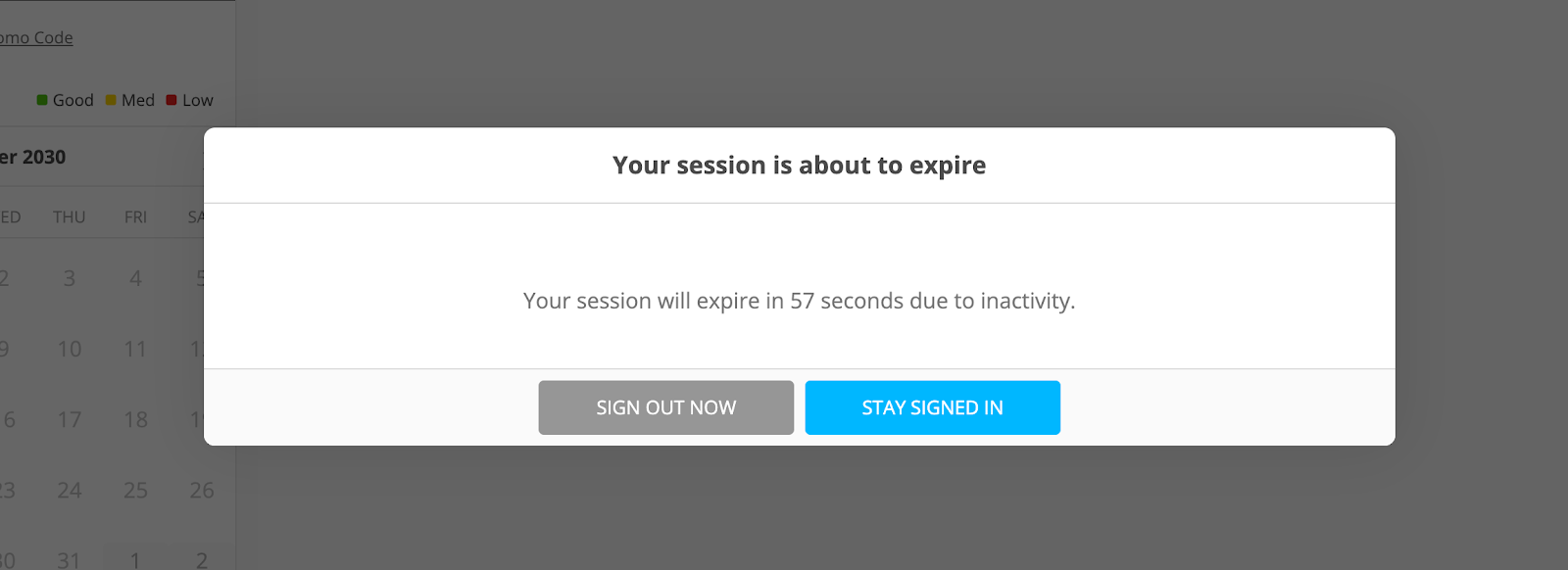
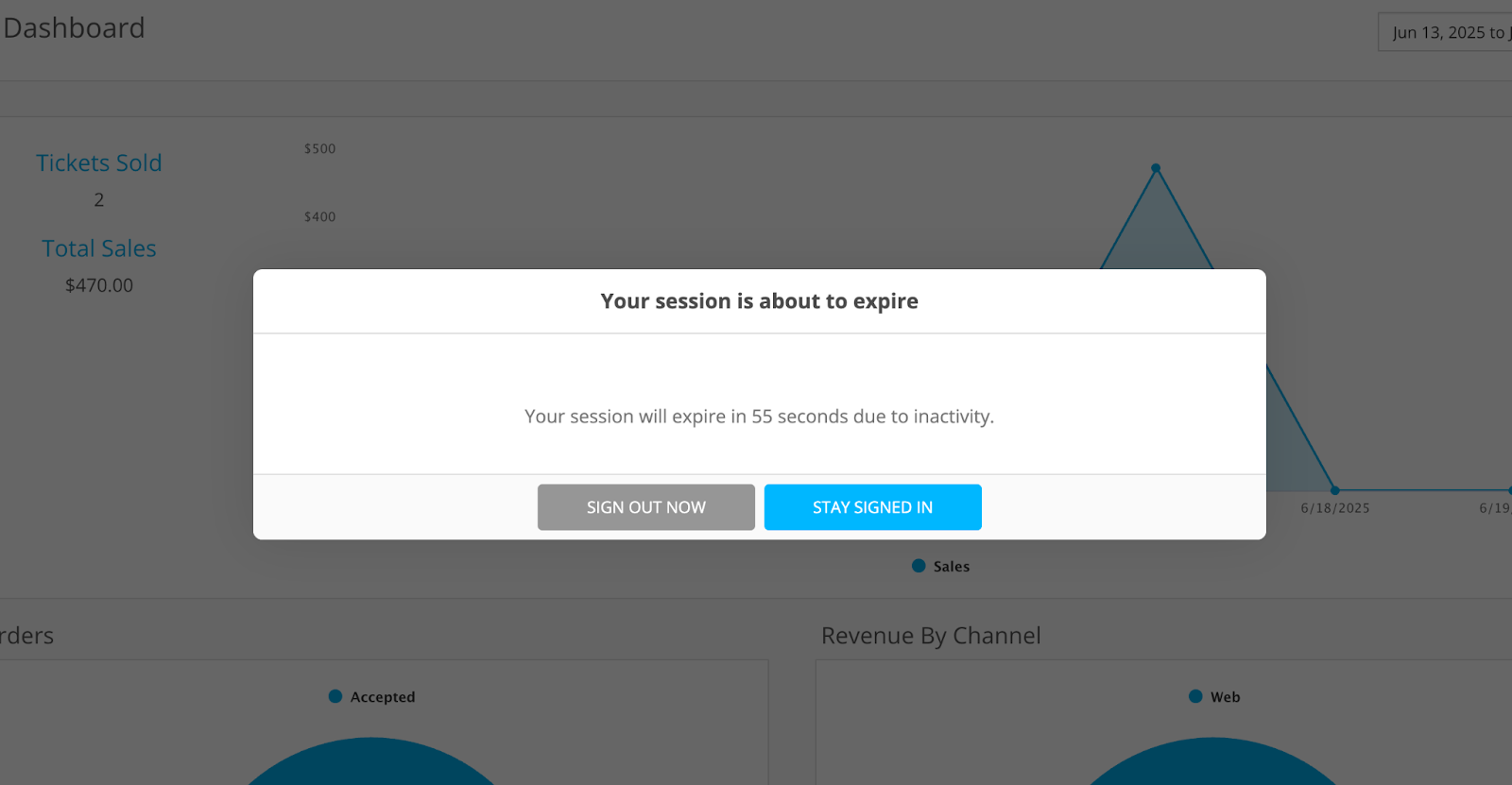
The warning will display 60 seconds before you are signed out, either due to inactivity or due to coming up to the absolute timeout. If the countdown reaches 0, then the user will be signed out.
Customer Log In Inactivity Example
Nliven Admin App Inactivity Example
What constitutes activity?
Any action on the admin or consumer site that results in the Nliven API being called (e.g. loading a page or saving changes on a page).
Comments
0 comments
Please sign in to leave a comment.